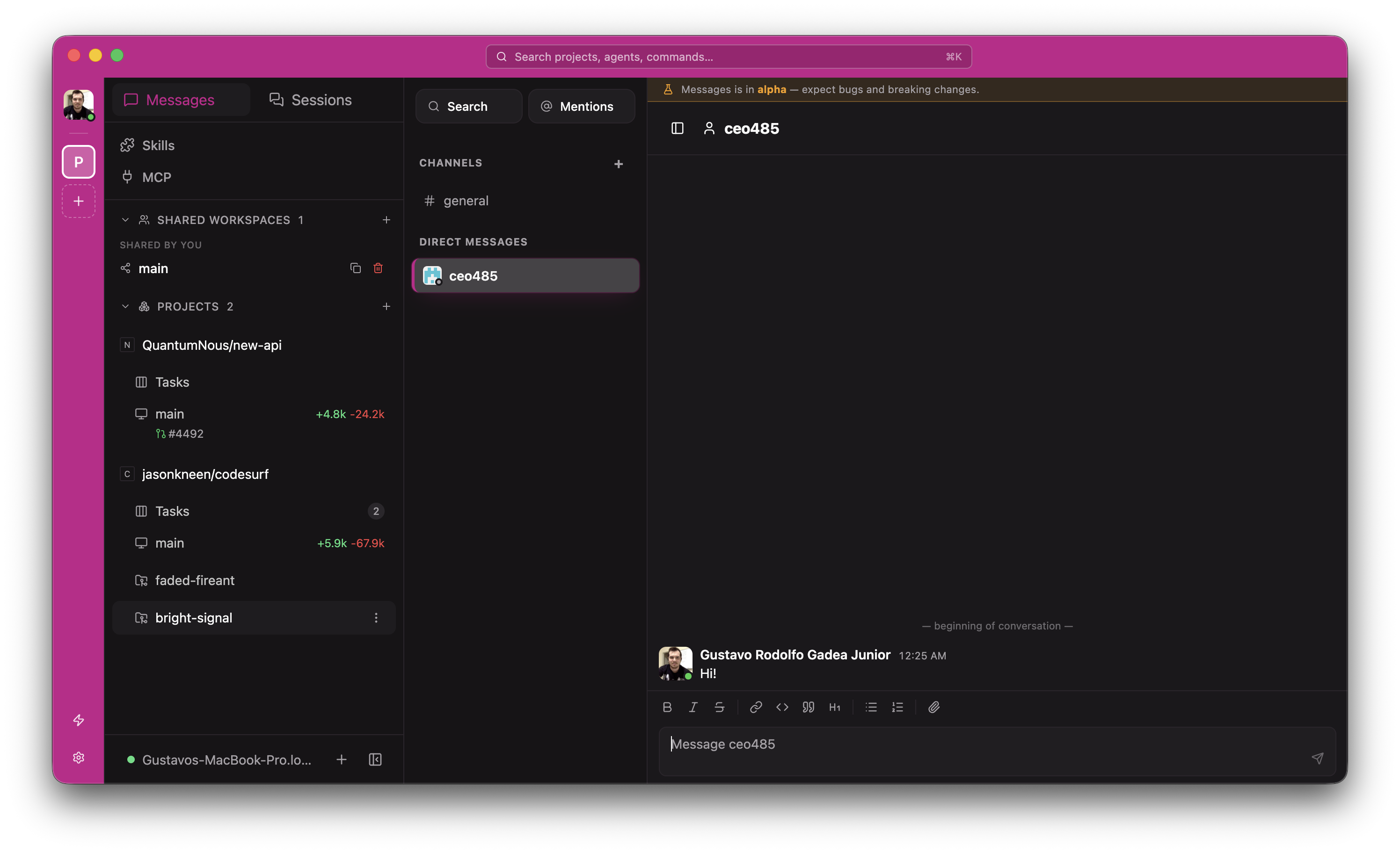
Use the best agent for the job
Run multiple providers from a single interface. Hubcode runs the native agent harness as you'd normally run it, with your skills, config and MCP servers intact.
 HubtoolPro
A kanban for every worktree
Each git worktree becomes a card on a To-do / In-progress / Ready-for-review board. Track parallel agent work like you'd track tickets, with the linked issue, branch and agent on every card.
auth/refresh-token-rotation
GH #482
billing/proration-fix
Linear ENG-211
search/elastic-rollover
Jira PLAT-39
ui/dark-mode-tokens
GH #475
A composer that knows your tools
The "+" menu attaches images, GitHub issues / PRs, and any item from a connected integration as structured context. Pick the agent — GUI or CLI — and edit the branch name inline before launching.
Implement OAuth refresh-token rotation, see the linked issue for acceptance criteria.
Wired to your issue tracker
Link tasks to issues from GitHub, Linear, Jira, GitLab, Forgejo, Plain or Sentry. The agent gets the full issue context as part of its prompt, and the kanban card stays linked to the source ticket.
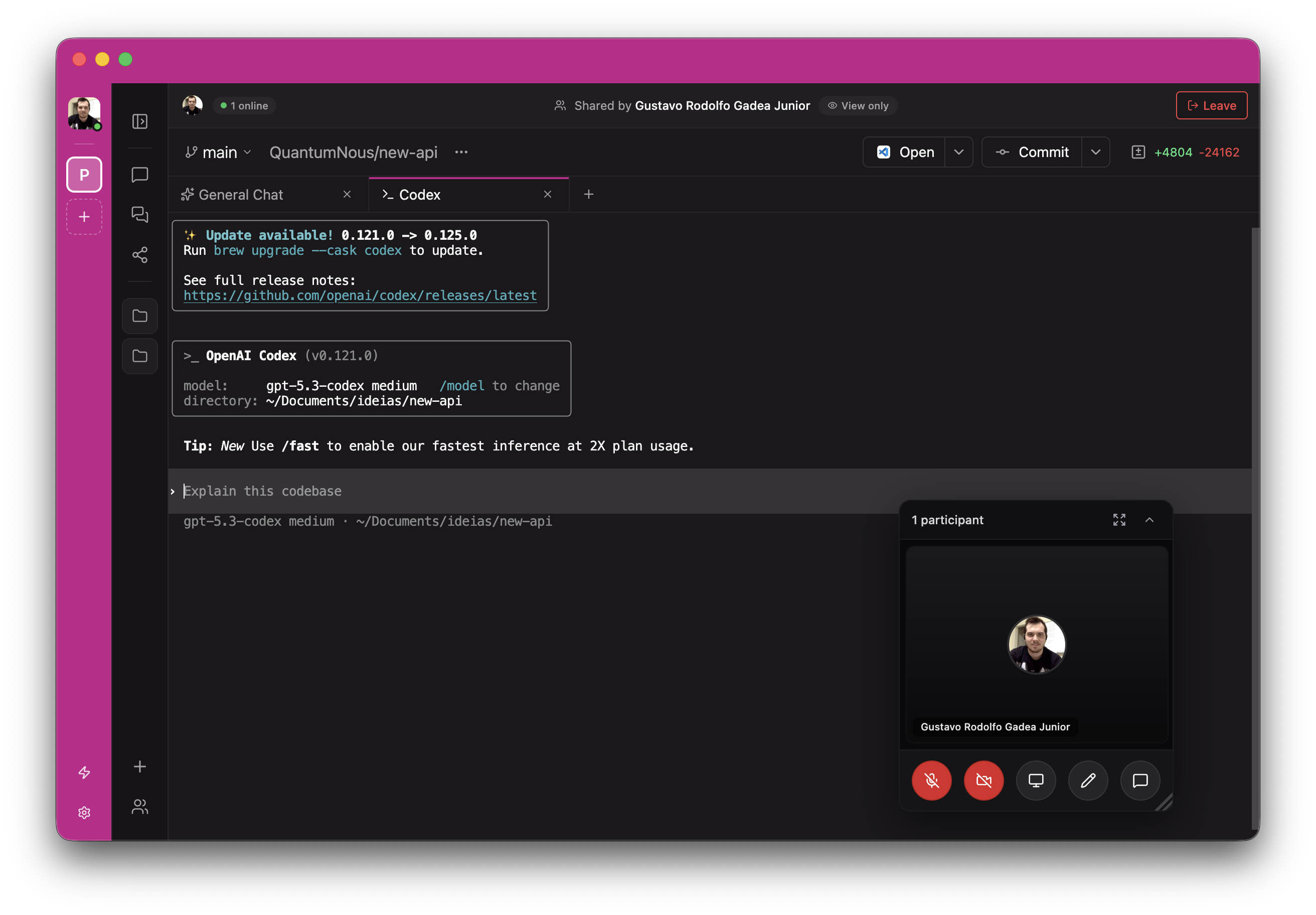
Pair on a live agent session
Invite a teammate into a shared session and watch the agent work together — kanban, chat, and a built-in voice + video room while you pair. Everything stays on your daemon; nothing routes through us.
Hubtool agent
An optional curated agent routed through the Hubcode backend — multi-model orchestration with a single subscription. Free users see the upgrade entry next to their installed agents; bring your own keys to keep using everything else for free.
Multi-model routing
Plan with one model, implement with another, verify with a third — picked automatically per task.
One subscription
Skip per-provider billing. The Hubtool agent rolls Claude, GPT and others into a single Pro plan.
Drop-in
Selectable from the same agent picker as Claude Code, Codex, OpenCode and your CLI agents — no separate UI to learn.
MCP, loops and schedules
Configure MCP servers per-project and per-host — agents pick them up automatically. Drive an agent in a worker-verifier loop until acceptance criteria pass, or run a recurring task on a cron schedule.
MCP server hub
Add filesystem, Playwright, Supabase, Atlassian — any MCP server — and they're wired into every supported agent.
Loops
Worker + verifier in one command. Runs until the verifier approves or you hit max iterations.
Schedules
Cron a task. Dependency audits at 09:00 every Monday, docs sync nightly, etc.
Your agents, every surface
Run agents on your laptop, a VM, or a dev server. Control them from any device with a direct connection or an E2E encrypted relay.
E2E Encrypted Relay
or
Direct Connection
Keyboard-first
Every action has a shortcut. Panels, splits, agents - all from the keyboard.
Local voice
Fully local voice stack. Speech-to-text and text-to-speech run entirely on your machine, nothing leaves your network.
Fully scriptable
Everything you can do in the app, you can do from the terminal.
hubcode run "implement user authentication"
hubcode run --provider codex --worktree feature-x "implement feature X"
hubcode run --host devbox:6767 "run the full test suite"

hubcode ls                           # list running agents
hubcode attach abc123                # stream live output
hubcode send abc123 "also add tests" # follow-up task
See Hubcode in action
Want a guided tour? Book a 30-minute call and we'll walk through the kanban, shared sessions, the Hubtool agent and how teams roll Hubcode out across their org.
Common questions
Is this free?+
Yes. The Hubcode app, daemon and CLI are free and open source. Bring your own keys for Claude Code, Codex, OpenCode, Copilot or Pi and you keep everything we ship — chat, kanban, voice, shared sessions, MCP, integrations.
Optional Pro and Team plans are available if you want the curated Hubtool agent (multi-model routing through our backend on a single subscription), the hosted E2E-encrypted relay for remote access without setting up your own tunnel, and team features for shared sessions across organizations.
Voice is local-first by default and can optionally use OpenAI speech providers.
Does my code leave my machine?+
What agents does it support?+
Can I share a live agent session with a teammate?+
Do I need the desktop app?+
npm install -g @hubcode/cli && hubcode and use the CLI, web app, or mobile app to connect. The desktop app just bundles the daemon with a UI.How does voice work?+
Can I connect from outside my network?+
Do I need git or GitHub?+
Can I get banned for using Hubcode?+
We can't make promises on behalf of providers.
That said, Hubcode launches the official first-party CLIs (Claude Code, Codex, OpenCode) as subprocesses. It doesn't extract tokens or call inference APIs directly. From the provider's perspective, usage through Hubcode is indistinguishable from running the CLI yourself.
I've been using Hubcode with all providers for months without issue.